Guides & project updates.
Buying advice, repair preparation and updates from our software projects.
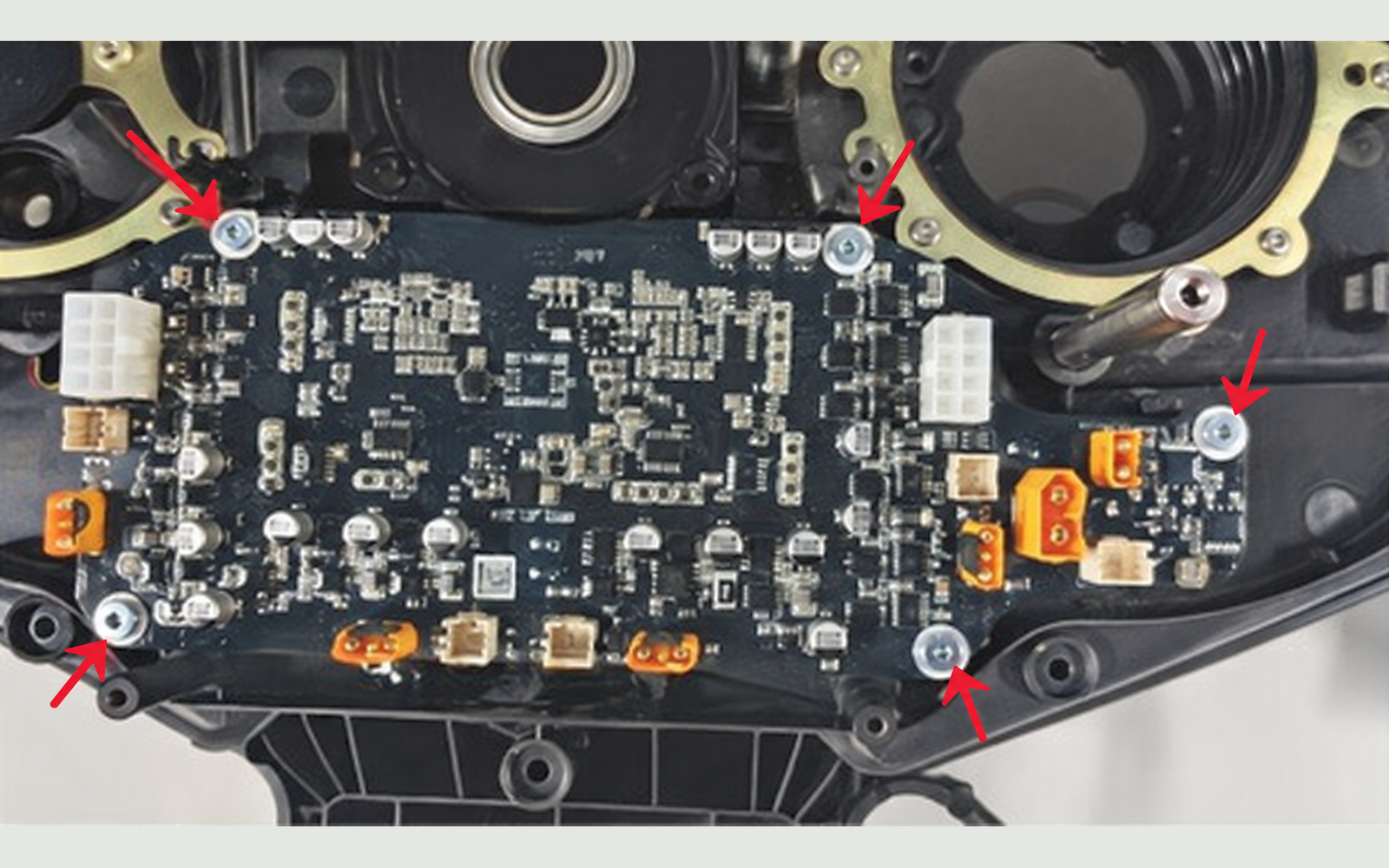
LUBA 2 power-board replacement
Follow the illustrated steps from cover removal through mainboard access, lower drive-board replacement and reassembly.
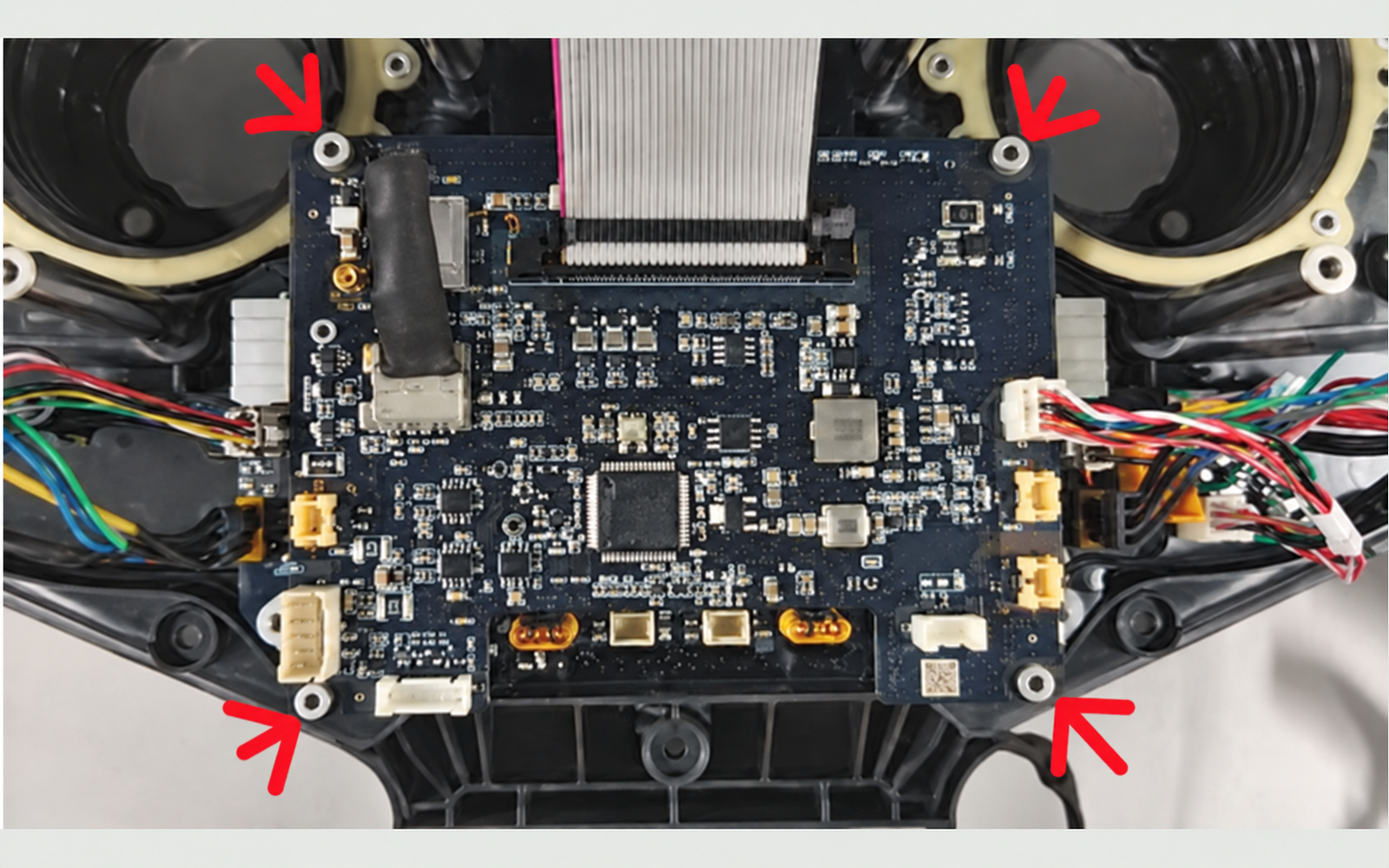
LUBA 2 mainboard replacement
Open the cover, disconnect power first, replace the mainboard, restore its connections and reassemble with illustrated steps.
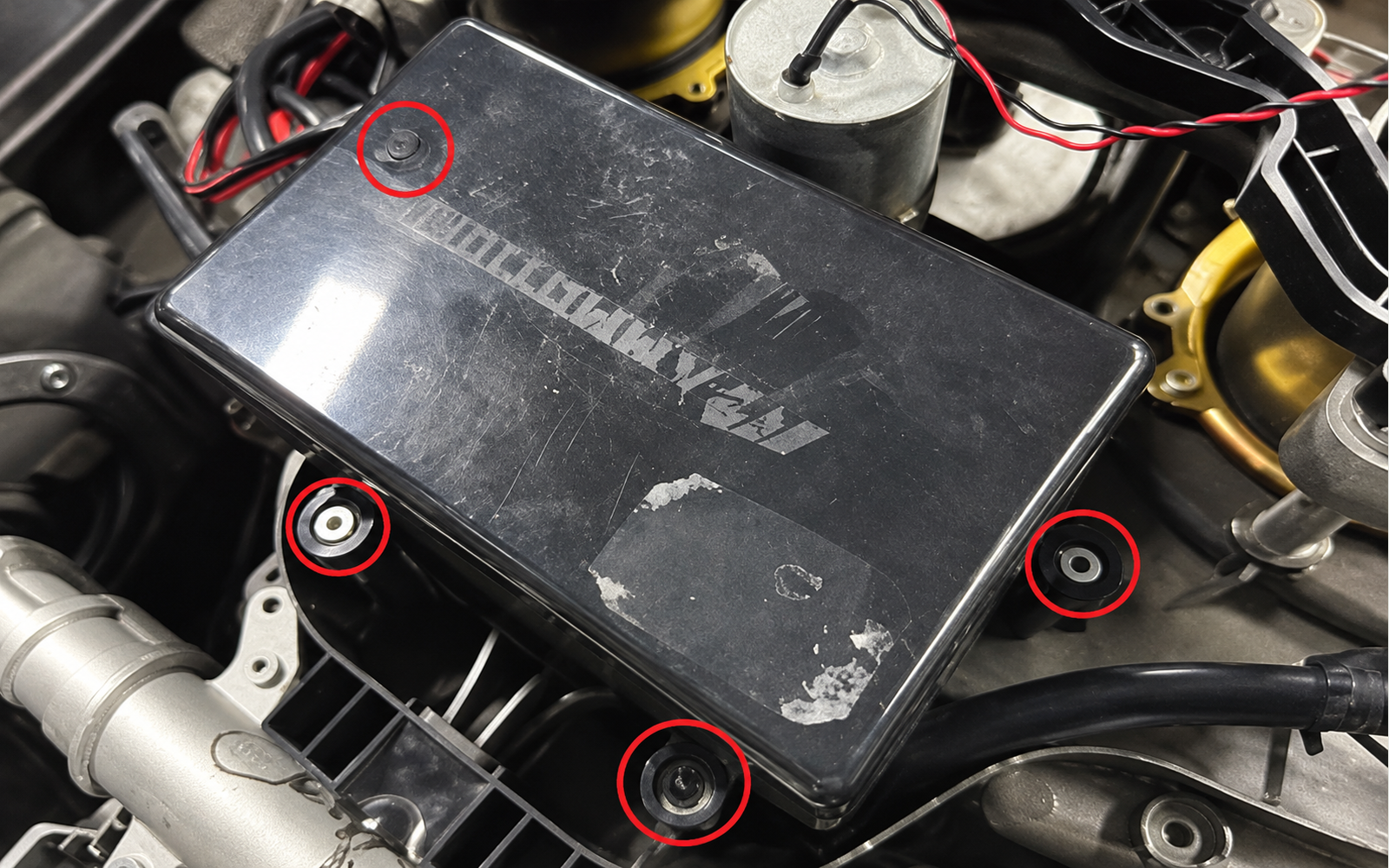
LUBA 2 battery replacement
Use the shared cover-access steps, replace the matched battery pack, restore the terminal sealing and close the mower.
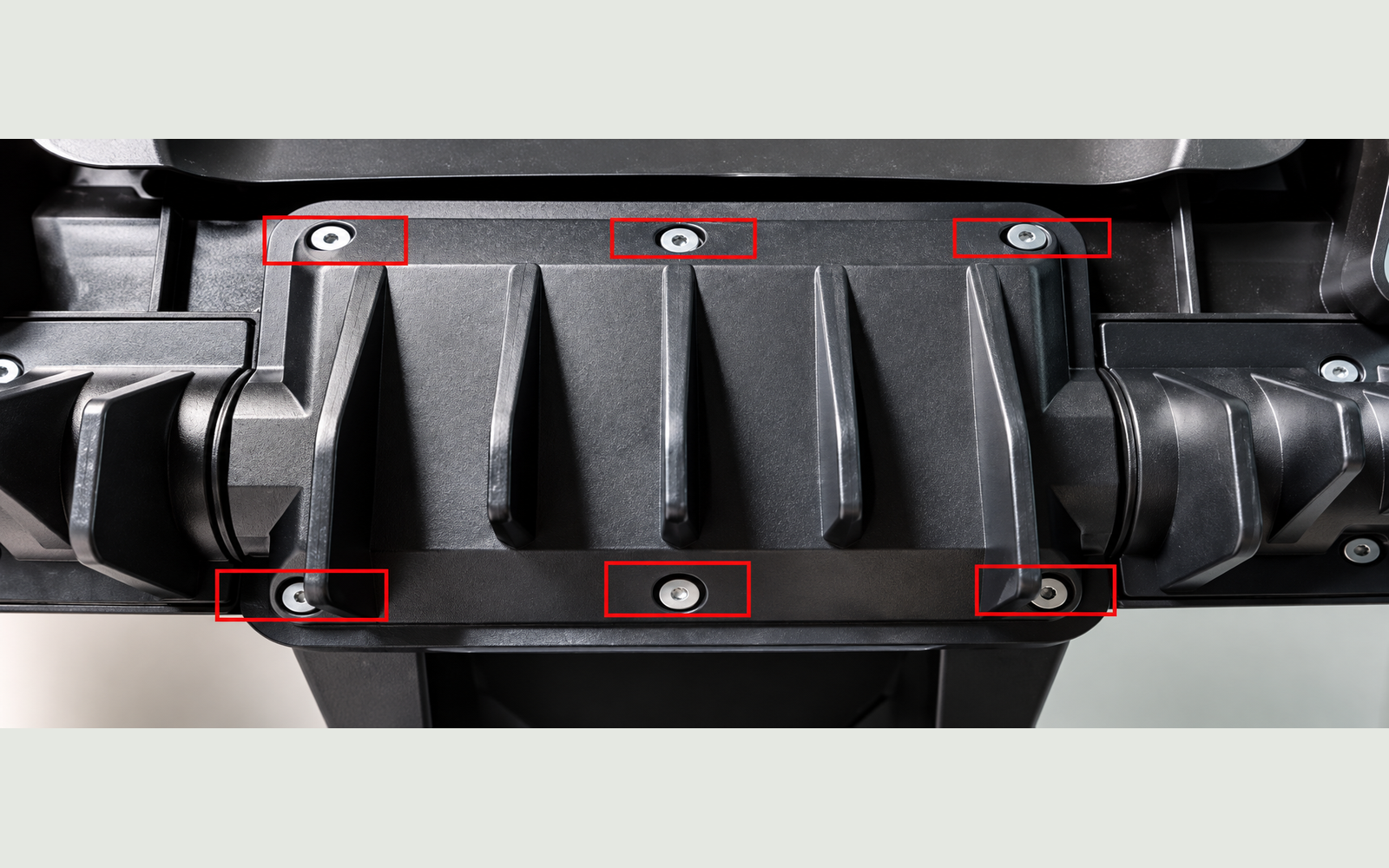
YUKA battery replacement
Replace the YUKA battery through its dedicated compartment, then refit its waterproof cover.
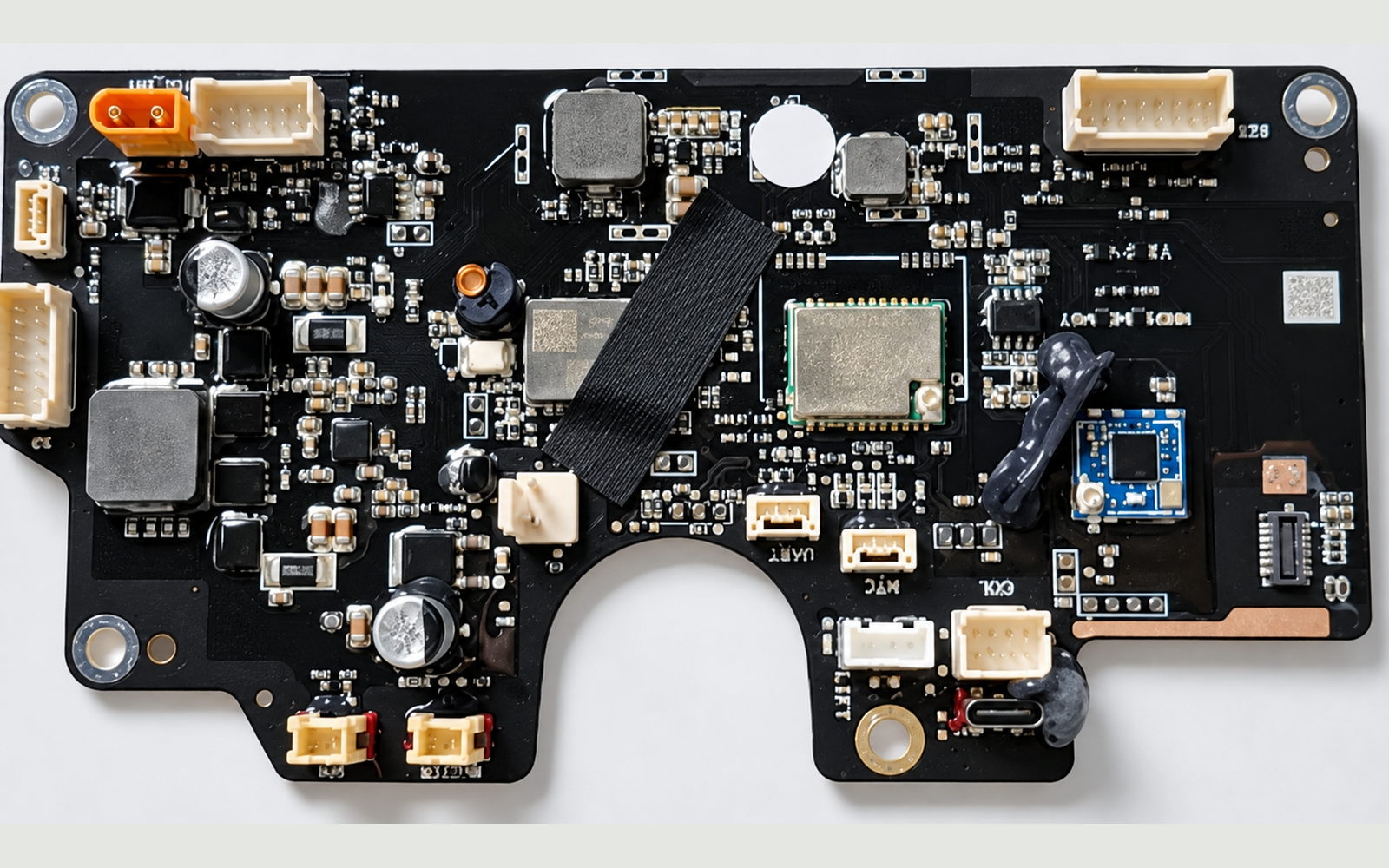
YUKA mainboard replacement
Follow the YUKA SOP from rear-shell access through mainboard replacement, cable reconnection and reassembly.
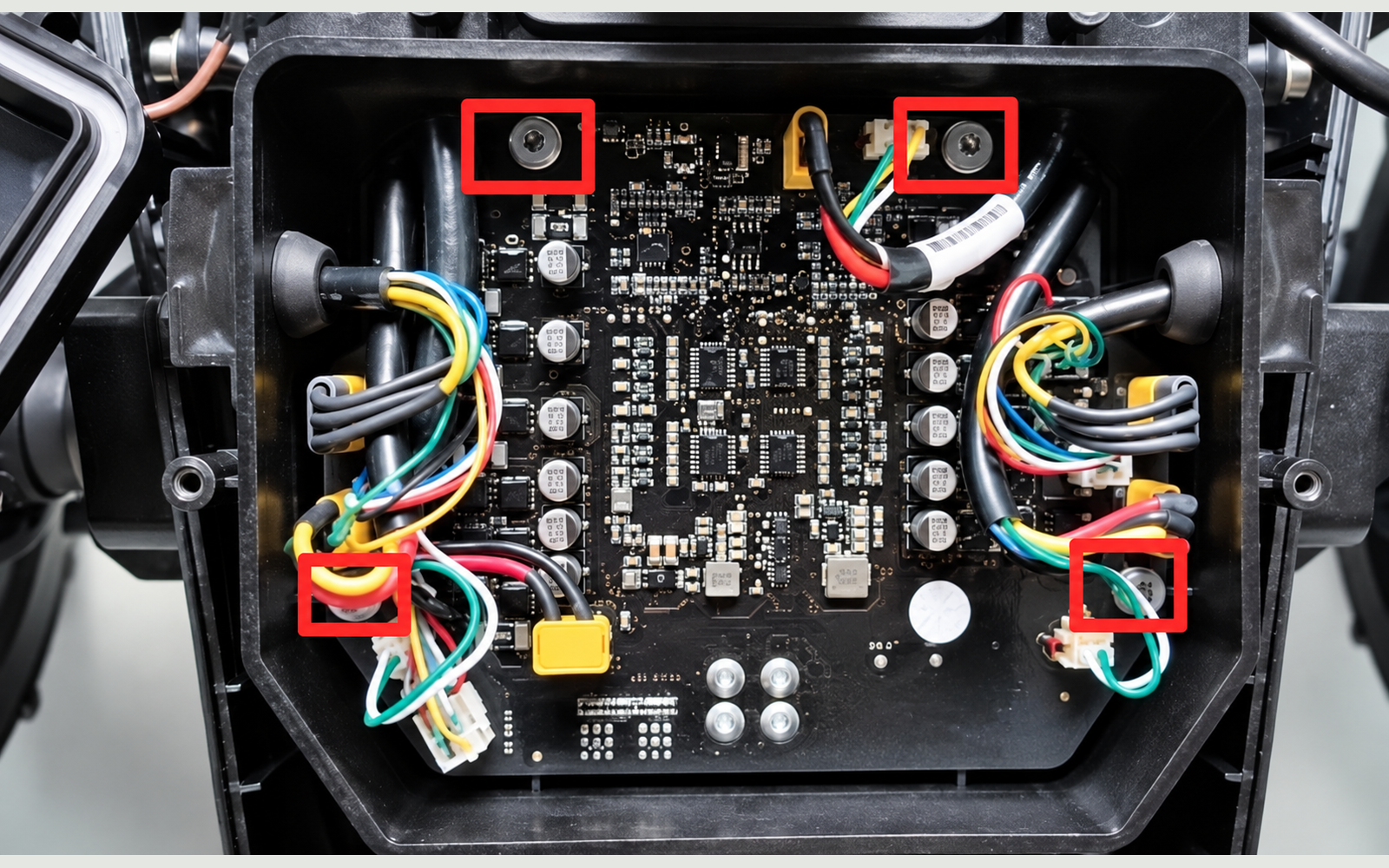
YUKA drive-board replacement
Follow the YUKA SOP from rear-shell access through drive-board replacement, cable reconnection and reassembly.
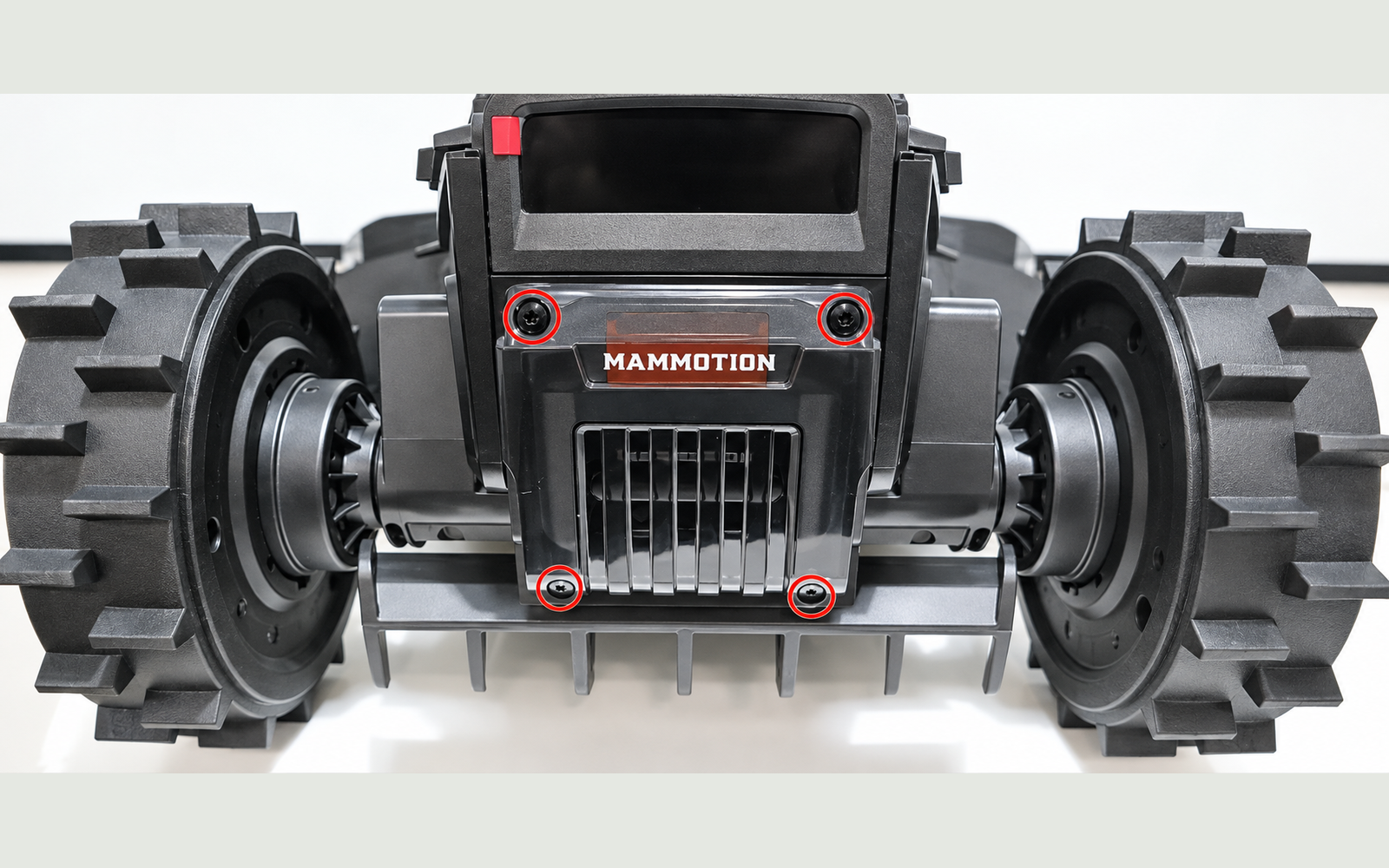
YUKA mini battery replacement
Replace the YUKA mini battery through its dedicated compartment, then refit its waterproof cover.
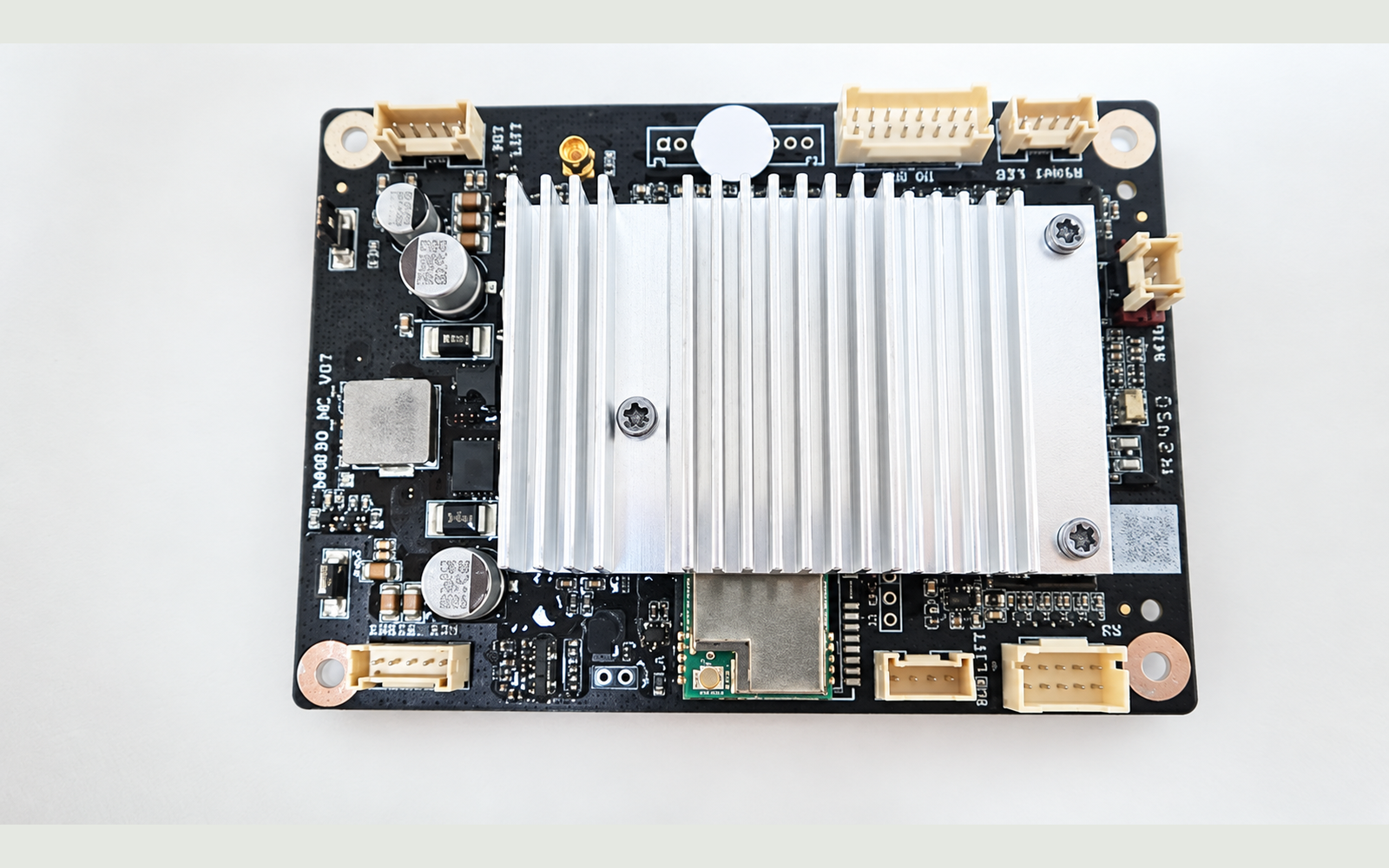
YUKA mini mainboard replacement
Follow the YUKA mini SOP from top-cover and mid-frame access through mainboard replacement, cable reconnection and reassembly.
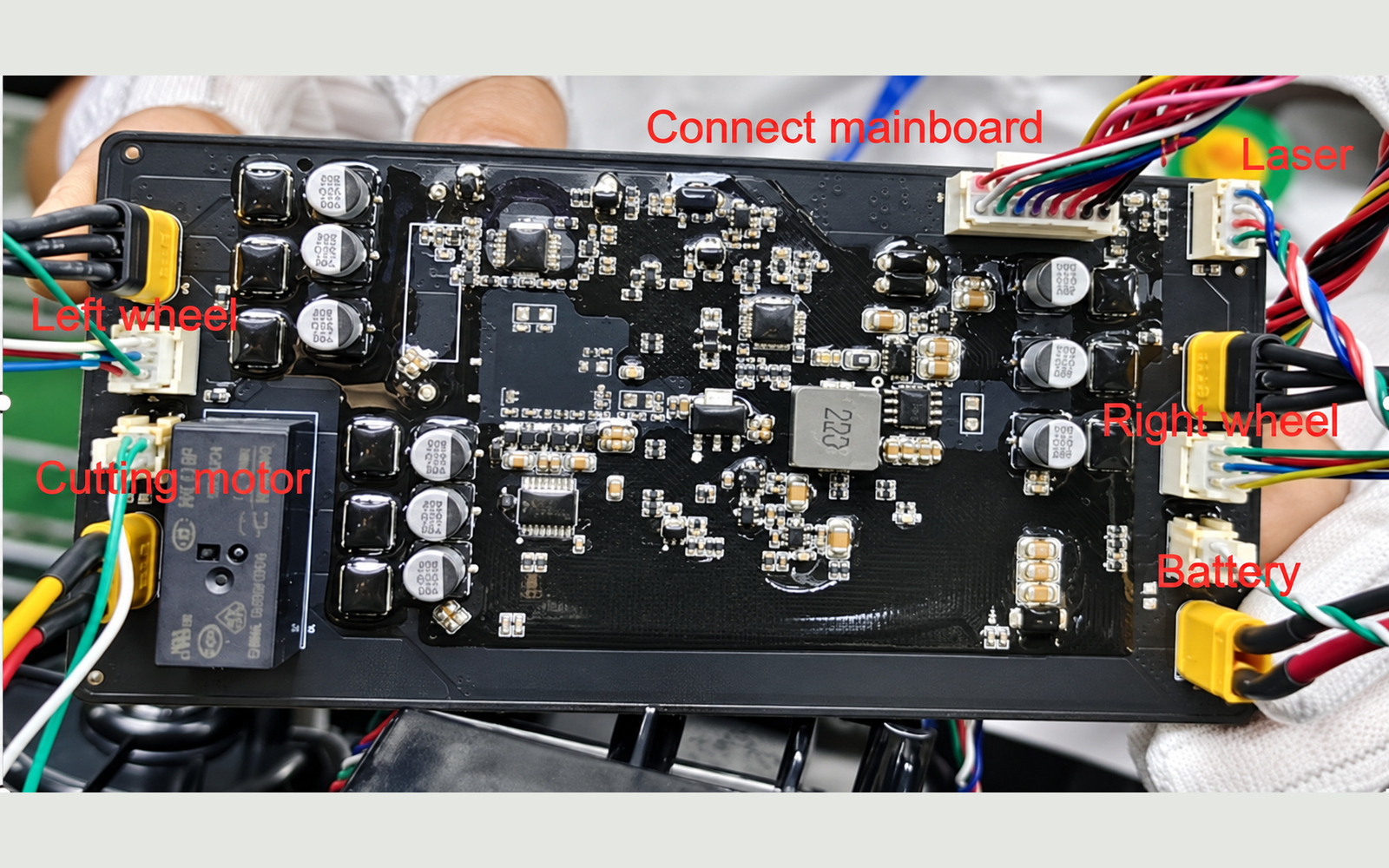
YUKA mini drive-board replacement
Follow the YUKA mini SOP from top-cover and mid-frame access through drive-board replacement, cable reconnection and reassembly.
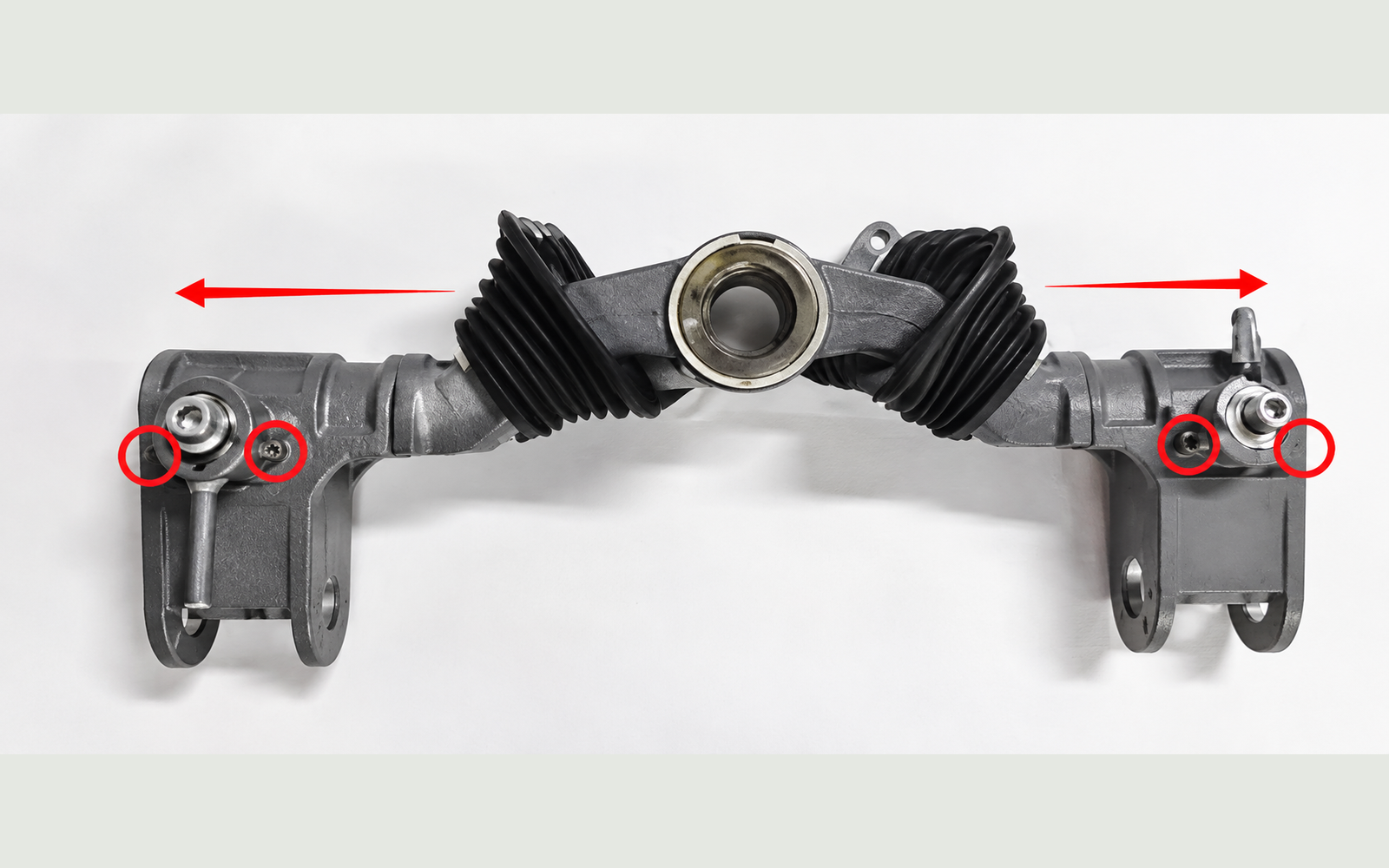
LUBA 2 front-axle replacement
Open the mower, remove the front assembly, transfer the wheel assemblies to a matched axle, then reseal and reassemble.
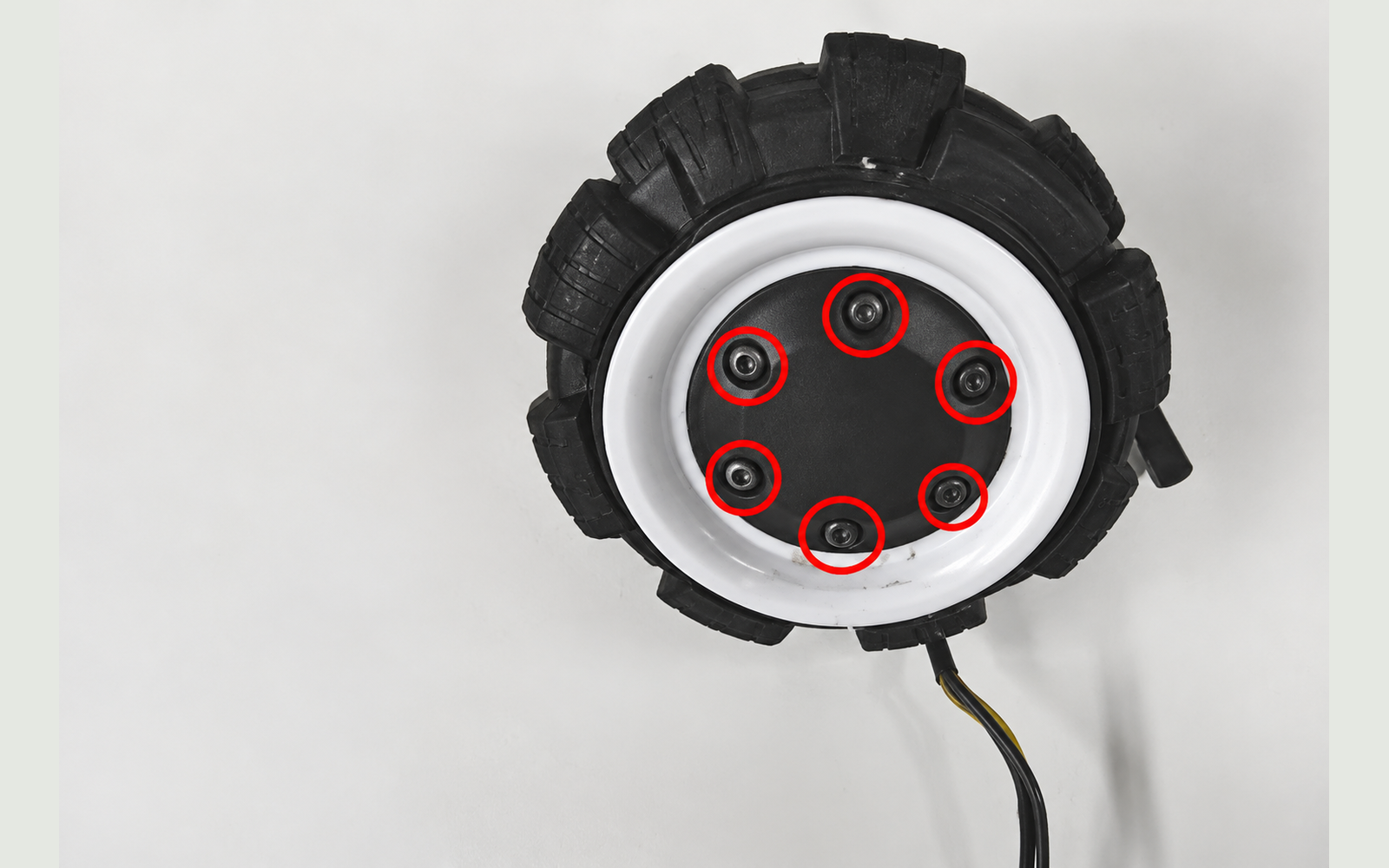
LUBA 2 front wheel / hub-motor replacement
Follow the shared front-axle access steps, separate the affected wheel and hub motor, align the replacement and reassemble.
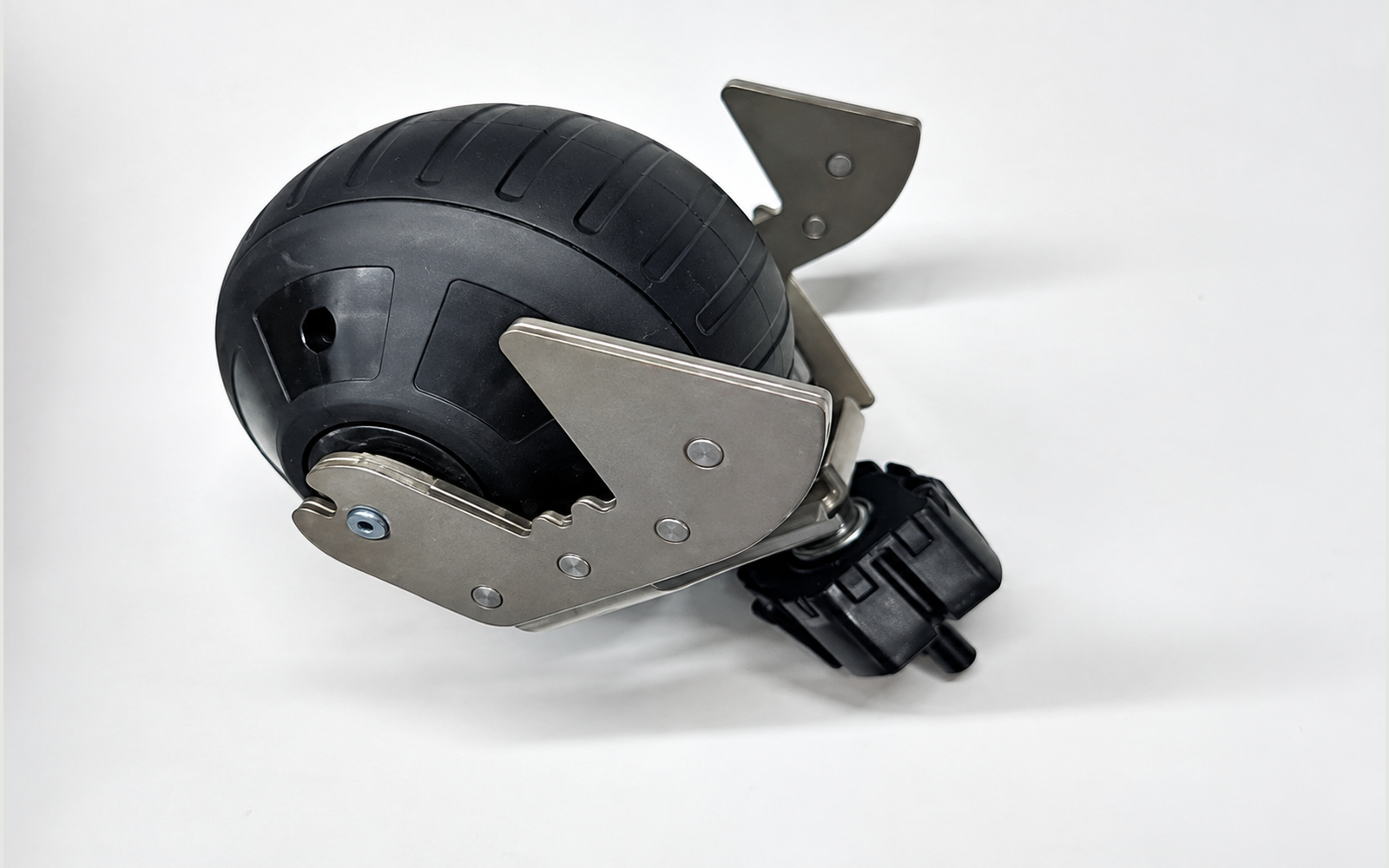
YUKA front-wheel replacement
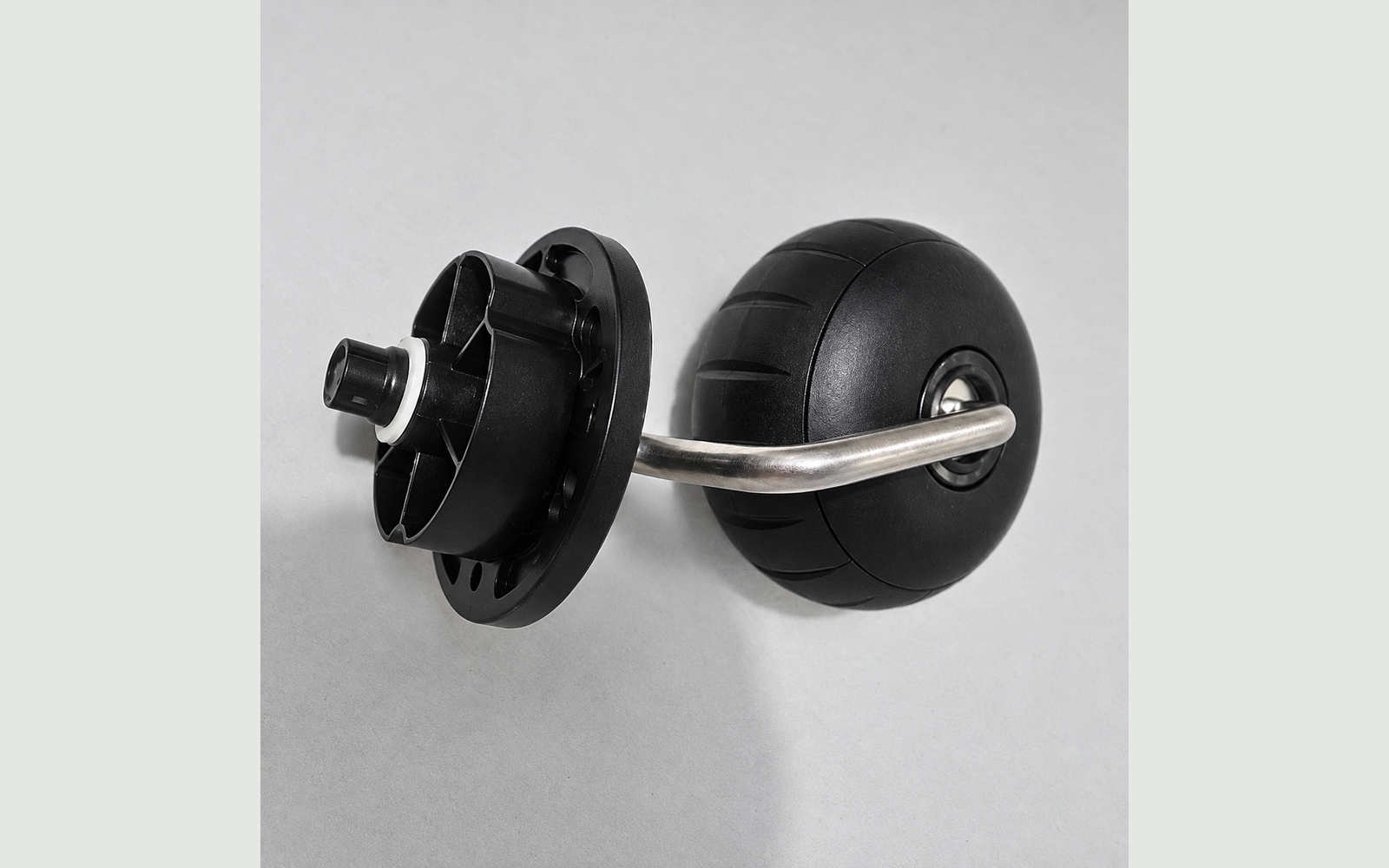
Release the front caster’s two retaining tabs, compare the replacement and press the assembly back into its socket.
YUKA mini front-wheel replacement
Replace the front caster assembly through its T20 mounting plate, then check retention, rolling and swivel movement.
Buying a used Mammotion mower: the checks that matter
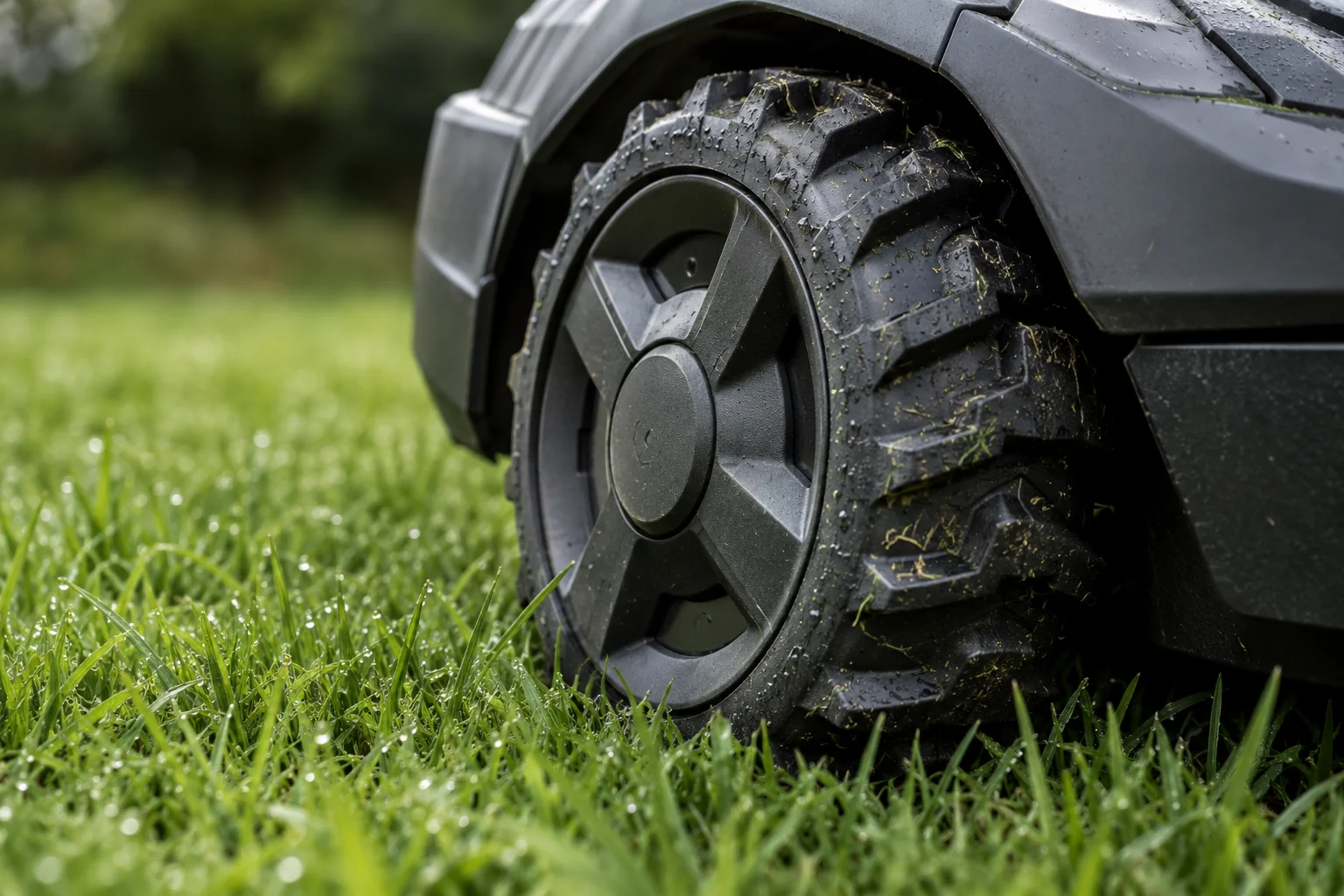
A low price is useful only when you understand the complete machine, the transfer path and the work it can actually perform.
Before your repair request: six details that help
A good repair request does not need a diagnosis. It needs a clear account of what the machine does, when it does it and what changed.
What a repair report should tell you
The useful outcome is not simply that a machine turns on. It is a clear explanation of what was found, what changed and what the tests establish.

CatGeneric: two paths to a more connected CatGenie
CatGeneric Lite adds supported Google Home and Home Assistant integrations. The optional Runtime adds custom control and cycle features on supported configurations.

UnlockMyBot: account service for eligible Mammotion mowers
Account binding and hardware faults require separate work. Check the current UnlockMyBot service status before buying or planning around account release.
Behind ScreenScry: fit beyond the model name
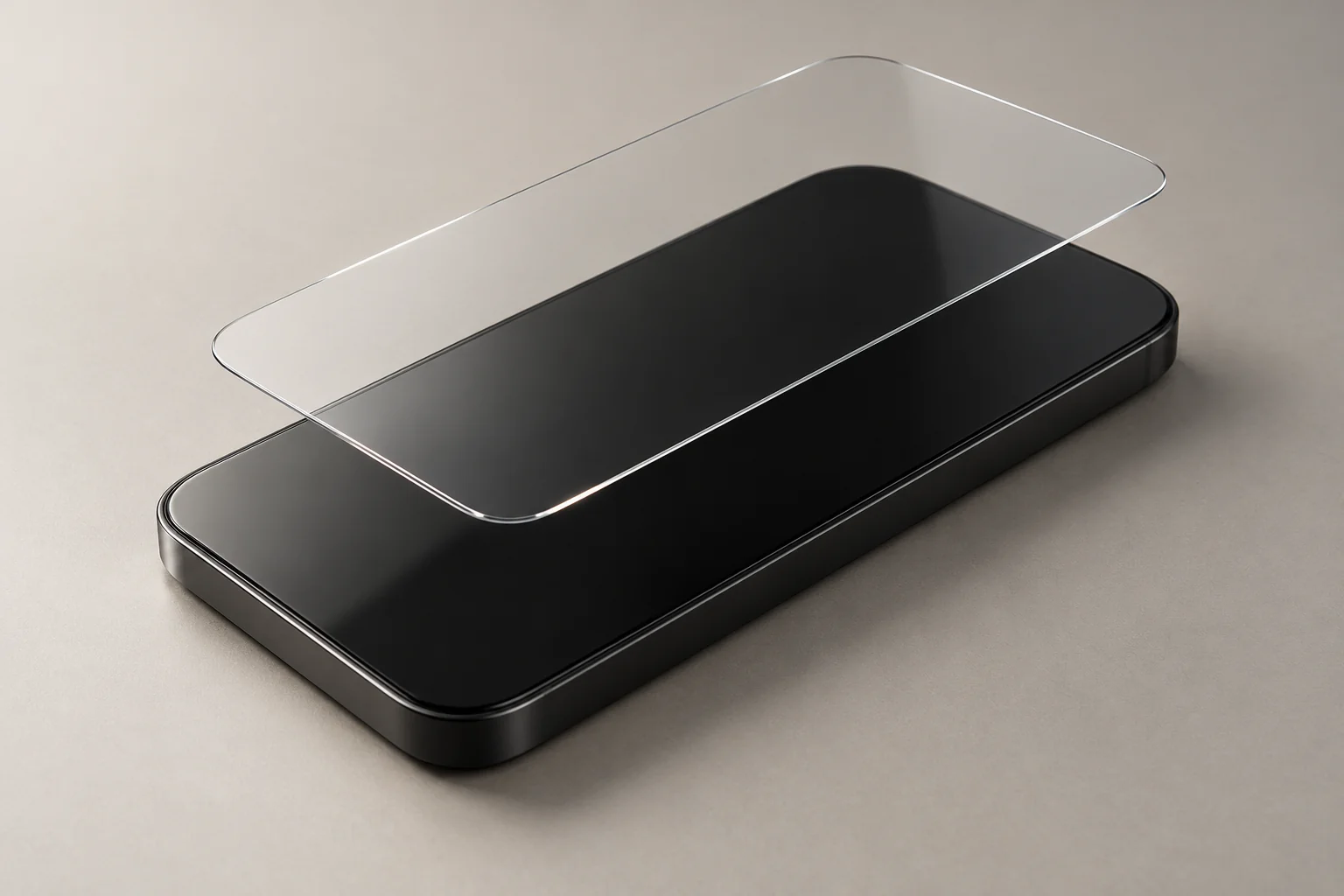
A clearance screen protector may be useful beyond the phone printed on its box. The difficult part is knowing which similarities matter.
Mammotion intake checklist for repair shops and resellers
Use one record per mower to keep ownership transfer, account release and physical repair tied to the right machine—even when several arrive together.
Mammotion account binding or hardware fault: where to start
Start with the exact error and the stage where it appears. “Won’t connect” can describe several problems with different next steps.
Local appointments.
Eligible remote support.
Robotics and vehicle software appointments in North Georgia. Remote work is available for supported devices and procedures.